Google Business Profile optimization: the complete guide
A practical guide to Google Business Profile optimization for Filipino small businesses: verify, categorize, set payments and hours, post, and win local search.
Mapkita TeamUpdated Oct 1, 20269 min read
Key takeaways
- Claim and verify your profile first. Nothing else ranks until Google confirms you are real.
- Your primary category shapes which searches you appear in. Pick the most specific one, not the broadest.
- Turn on every payment attribute you accept, GCash and Maya included where your profile lists them. Most retail payments in the Philippines are now digital.
- Post weekly and reply to reviews. Google lists replying to reviews among its own tips for local ranking.
Why your Google Business Profile is your storefront
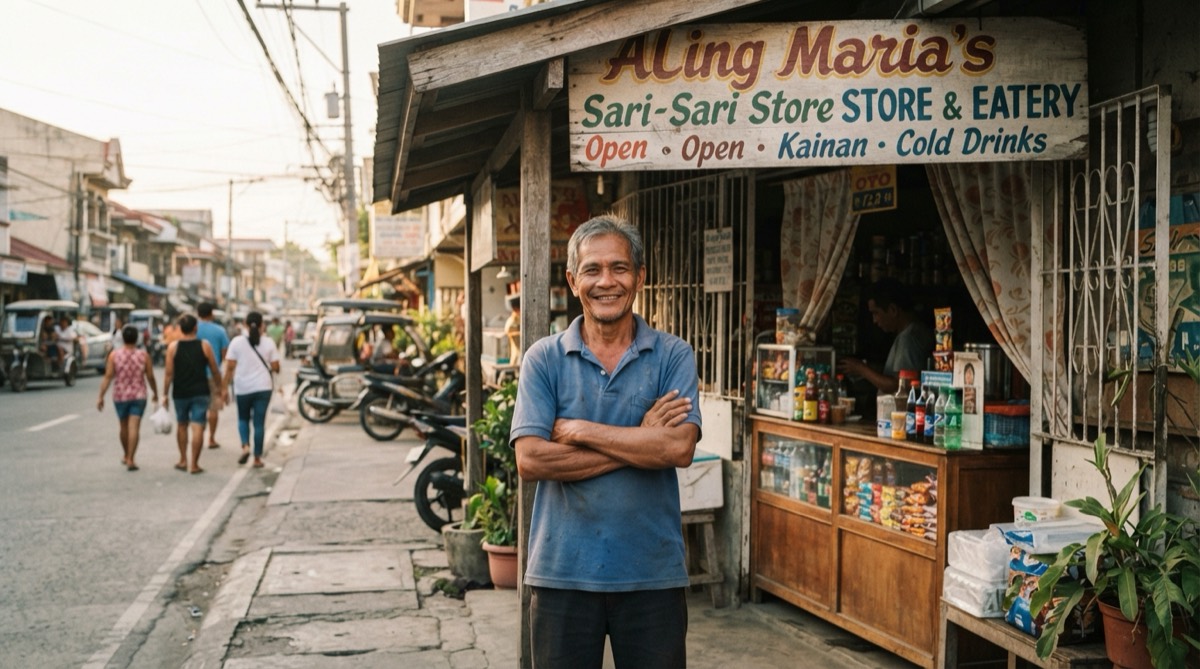
For most Filipino small businesses, more people meet you on Google Maps than walk past your door. When someone searches for lugawan malapit sa akin or hardware near me in Cebu, Google shows a short local pack of three listings. Being in that pack, and looking trustworthy, is the whole game. Once the profile is right, how to rank higher on Google Maps covers the rest of what decides your position.
Your Google Business Profile (formerly Google My Business) is free, and it feeds both Google Search and Maps. A complete, active profile can be the difference between a customer choosing you or the shop two blocks away. This guide walks through every part that matters for a PH business, in the order you should tackle it.
Step one: claim and verify your profile
Search your business name on Google Maps. If a listing already exists, someone or an automated process may have created it. Click Claim this business or Own this business. If nothing shows up, create a new profile at google.com/business; how to add your business to Google Maps goes through each screen, including home-based setups.
Verification is the gate. Google needs to confirm you are the real owner before your edits go live and before you can rank well. The verification methods Google offers you depend on your business type, public info, region and business hours. The methods, and what makes a verification video fail, are in the Google Business Profile verification guide.
- Video verification: Google recommends it whenever you are offered it. Record an unedited clip showing your signage, your location or street, and proof you can access the business (till, stockroom, tools).
- Postcard by mail: a code is sent to your address. It is not offered to every business, and Google says most codes arrive within 14 days, so a hard-to-find address can make it the slow option.
- Phone, text, email or a live video call: offered to some businesses. Use one if you see it.
- If verification fails, do not spam retries. Fix the obvious issue (blurry video, mismatched address) and try once more, or contact Google Business Profile support.
Choose the right categories
Your categories affect which searches you appear in, and the primary one is the label people see under your name. Be specific. A milk tea shop should pick Bubble tea store, not the vague Restaurant. A tapsihan is a Filipino restaurant, not just Restaurant. Specificity helps you show up for the exact thing people search.
Then add secondary categories for everything else you genuinely do. A carinderia might add Takeout restaurant and Caterer (plain Restaurant is already implied by Filipino restaurant). A salon might add Hair salon, Nail salon, and Waxing hair removal service. Do not stuff categories you do not actually serve, but do claim the ones you do. For the exact primary and secondary categories to pick for a carinderia, salon, clinic or milk tea shop, see the Google Business Profile categories list.
- Primary category: the single most specific label for your core business.
- Secondary categories: up to nine more, for what the business really is, not one for every product or service.
- Check competitors who rank well and see which categories they use for ideas.
Nail your NAP, service area, and hours
NAP means Name, Address, Phone. It must be identical everywhere online: your profile, your Facebook page, your website, and directories. Keep even small details the same (Brgy. versus Barangay, St. versus Street), so a customer comparing pages sees one business. Use your real-world business name, the one on your signage, not a keyword-stuffed version like Best Cheap Aircon Repair Manila. Google's rules for business names say extra words in the name can get a profile suspended.
Use a local mobile or landline number that customers can actually reach, ideally the same one on your other pages. If you serve customers at their location instead of yours, such as an aircon cleaning or catering business, set a service area (list the cities or barangays you cover) and hide your exact address. Google's guidelines ask service-area businesses to do that.
Hours matter more than owners think. Fill them out accurately, and use special hours for the many PH-specific cases below. Wrong hours are one of the fastest ways to get a bad review. For the dates that catch businesses out every year, see Google Business Profile holiday hours, and check yours with the free holiday hours checker. Opening a second branch? Each one needs its own profile; managing multiple locations on Google Business Profile explains how to keep them from competing.
- Set regular weekly hours, including whether you are open Sundays. Many customers assume closed on Sunday unless you say otherwise.
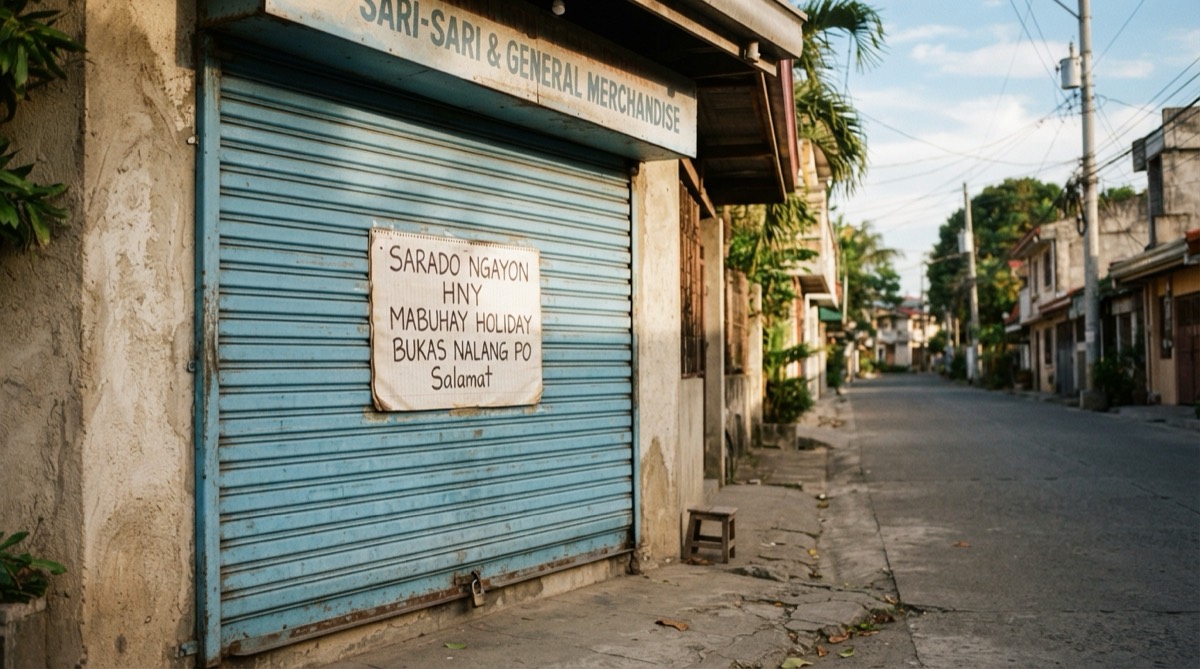
- Use special hours for holidays like Holy Week, Undas, and the long Christmas season, plus local fiesta days when you may close or open late.
- If you are open late (common for eateries and convenience stores), show it, so people searching at night see you as open.
- If a barangay brownout or typhoon forces a closure, update hours or mark temporarily closed so no one shows up to a dark shop.
Attributes: payments, dine-in, wifi, and more
Attributes are the small tags that answer quick questions before a customer even messages you. In the Philippines, payment attributes matter: in 2025, 64.69% of retail payments by number of transactions were digital, according to the BSP's 2025 report on e-payments. Turn on the payment options Google lists for your profile: cash, cards, NFC mobile payments and, where they appear, e-wallets such as GCash or Maya.
Set the service attributes that fit you. Google says attributes show on your profile on Search and Maps, and that your business might show up in searches for places with those attributes. Some can only be set in certain countries or categories, so you may not see every tag below. If GCash or Maya is missing, say it in your business description.
- Payments: cash only, credit or debit cards, NFC mobile payments, and GCash or Maya where your profile lists them.
- Dining: dine-in, takeout, delivery, outdoor seating, serves breakfast or merienda.
- Amenities: free wifi, air-conditioned, restroom, parking available, PWD accessible.
- Options often searched by families and groups: good for kids, groups welcome, has aircon.
Photos and the cover photo that shows in Maps
Photos help your profile stand out on Google. Upload real, well-lit photos of your storefront, your interior, your bestsellers, and your team. Filipino customers scroll photos to judge cleanliness, portion size, and whether a place looks legit before visiting.
Google does not always honor your chosen cover photo, but you should still set a strong one. Upload a clear, landscape shot of your storefront or signage as the cover, and set a clean logo as the profile photo. This is what people see first in the local pack and on your Maps card. Google Business Profile photos that bring customers goes shot by shot.
- Add your exterior so people recognize you from the street or jeepney stop.
- Show your menu items or products clearly, with prices visible where helpful.
- Add new photos monthly, so customers see the place as it is now.
- Report customer photos that break Google's rules, such as ones that are not of your place. Google reviews each report and may remove the photo.
Keep it alive: Posts, products, and complete details
A verified profile is a starting line, not a finish. The businesses that rank and convert treat the profile like a mini social page they maintain every week.
Google Posts are free mini-updates that show on your profile. Announce a promo, a new merienda item, holiday hours, or a fiesta special. Add your menu or your services list so people can browse your offerings, with prices, right inside Google. The menu editor is for food and drink businesses, and a services list suits salons and repair shops. Google's help lists the Products section only for retail shops in the US, Canada, the UK and Ireland.
Two features you may still read about have changed. Google switched off Business Profile chat on 31 July 2024, and since November 2025 it has been replacing the old Q&A list with instant answers in Maps, written by AI from owners' answers and relevant reviews (what changed). Where Q&A still appears you can answer existing questions, but the way to shape most answers is to keep the facts they draw on complete: a description that says what you sell and where, every attribute that applies (payment options, parking, dine-in), your services or menu, and current hours. The questions people asked there (Do you accept GCash, May parking ba, open ba kayo Sunday) now get answered from exactly those details.
For chat, your customers already message you on Messenger or Viber. Add your Facebook page to the profile's social links and reply fast. If you are stuck for what to post on Google, borrow from these Google Business Profile post examples.
- Post at least once a week. Even a simple Open today until 10pm counts.
- Reply to every review, good or bad, ideally in the language the customer used. The free AI review reply generator drafts one in English or Taglish.
- When a customer writes in Taglish on Messenger or Viber, answer in Taglish. It reads as warmer and more local.
- Keep menu, prices, and hours current so the profile never contradicts reality.
Common mistakes PH businesses make
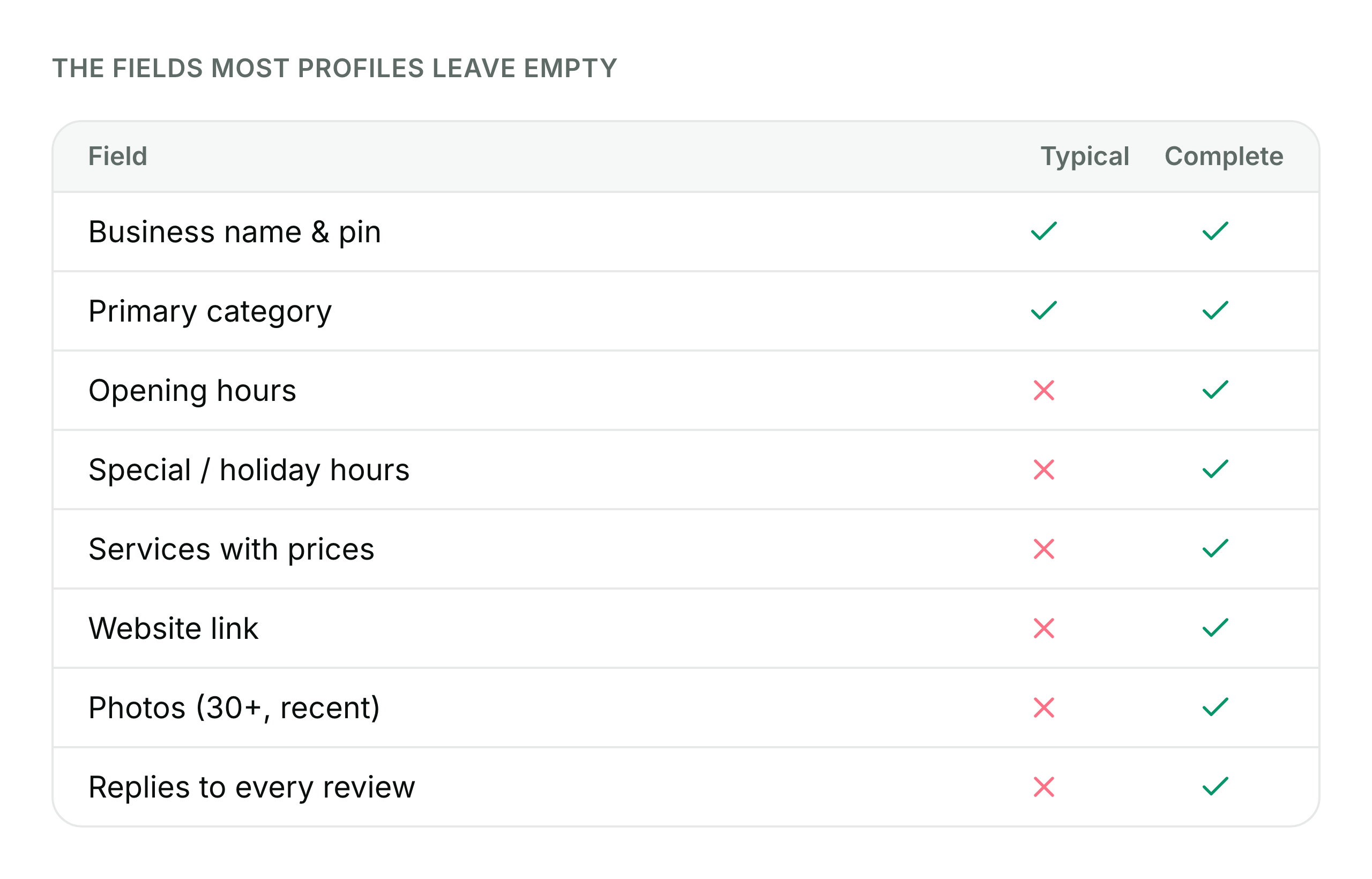
Most lost rankings come from a handful of avoidable errors. Fix these and you are already ahead of most local competitors who set up a profile once and forgot it.
The other silent killer is inconsistency across the many places your business is listed: Google, Facebook, Waze, food apps, and directories. When your address or hours differ across them, customers get confused and cannot tell which version is right. Write your details once and copy them everywhere, and check them each quarter. If your profile has dropped off Maps altogether, work through why a business is not showing up on Google Maps. Most of these mistakes can get a profile suspended; if that has already happened, here is how to fix a suspended Google Business Profile.
- Stuffing keywords into the business name. Google can suspend you for this.
- Leaving hours blank or wrong, especially over Holy Week and Christmas.
- Never replying to reviews, or replying only to the good ones.
- Ignoring negative reviews instead of responding calmly and offering to fix it.
- Creating duplicate profiles for one location, which splits your reviews and ranking.
- Setting up once and going quiet: no posts, no new photos, no updates for months.
Frequently asked
- How long does Google Business Profile verification take in the Philippines?
- Google says verification reviews take up to 5 business days, and on rare occasions longer. If you verify by postcard, Google says most codes arrive within 14 days, so video is usually the faster route when it is offered. Record signage, your location, and proof of access in one unedited clip.
- Should I put GCash and Maya on my profile?
- Yes. Turn on the payment options Google lists for your profile: cash, cards, NFC mobile payments and, where they appear, e-wallets such as GCash or Maya. If GCash or Maya is not listed for your profile, say it in your business description. It is a small detail that tells customers how they can pay before they come.
- Can I rank on Google Maps without a physical store?
- Yes. If you serve customers at their location, such as catering, aircon cleaning, or home repair, set your business as a service-area business. List the cities or barangays you cover and hide your exact address, and you can still appear in local searches for those areas.
- How often should I update my Google Business Profile?
- Aim for weekly. Publish at least one Google Post, reply to any new reviews, and refresh photos monthly. Update special hours before every major holiday and fiesta. Google's tips for local ranking include keeping your information up to date and replying to reviews.
Let Mapkita do this for you
Mapkita keeps your Google page right, drafts every review reply and asks you before anything goes public. Start with a free check.