Google Business Profile categories list for local shops
Which Google Business Profile categories suit common Philippine businesses, from carinderias to salons and refilling stations, and how to change them safely.
Mapkita TeamUpdated Oct 1, 20266 min read
Key takeaways
- You get one primary category and up to nine additional ones. The primary is the one customers see under your name.
- Categories must be picked from Google's own list. There is no "sari-sari store" or "carinderia" category, so use the closest real ones.
- Pick what the business is, not what it sells. Products and dishes go in the menu, services and description.
- Change the primary category once, deliberately. Frequent switching can send the profile back for review.
How do Google Business Profile categories work?
There is no official Google Business Profile categories list you can download in full; Google keeps a long list of categories and suggests them as you type in the Category field. What you can do is learn the rules and use the right names for your type of shop, which is what this page is for, with a Philippine focus.
Every profile has exactly one primary category and can add up to nine additional categories. Google says the categories you pick affect your local ranking, and the primary is the one shown under your name on Maps. It also switches on features: a restaurant category adds menu, ordering and reservation links, a salon category adds a booking button and a services list.
Additional categories help you show up for related searches, but each one should describe something the business really is. Adding "Caterer" because you once did a birthday tray is the kind of stretch that confuses Google more than it helps. Four accurate categories beat ten loose ones, and Google's guidelines ask you to use as few as it takes to describe the core business.
Can I type my own category name?
No. You have to pick from Google's list, and the names are fixed, in English and in Google's own wording. Start typing and choose one of the suggestions; if nothing matches what your shop calls itself, that exact category does not exist.
This matters most for Filipino business types. There is no category for a sari-sari store, a carinderia or a water refilling station. You pick the closest real categories, then use your business description, menu or services list and photos to say the rest in your own words, Taglish included. Customers searching "carinderia near me" can still find you, because Google reads the whole profile, not only the category.
Which category should my Philippine business use?
These are starting points for common local businesses. Check each one against what your shop really does, and against what nearby competitors use (see the last section).
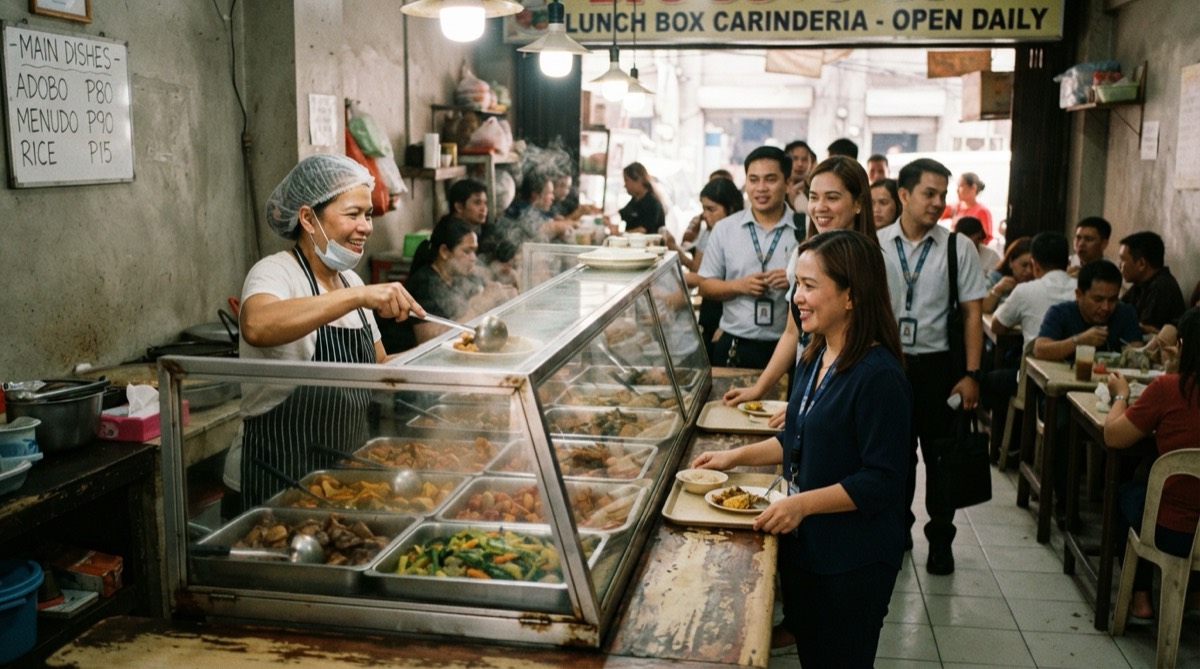
- Carinderia. Primary: Filipino restaurant · Secondary: Takeout restaurant, Meal takeaway. Add Caterer only if you take bilao and event orders regularly. There is no carinderia category.
- Sari-sari store. Primary: Convenience store · Secondary: Grocery store. There is no sari-sari category; say it in the description.
- Milk tea shop. Primary: Bubble tea store · Secondary: Cafe, if you have seating and serve coffee.
- Salon. Primary: Beauty salon, or Hair salon if hair is most of the work · Secondary: Nail salon, Spa, only for services you actually offer.
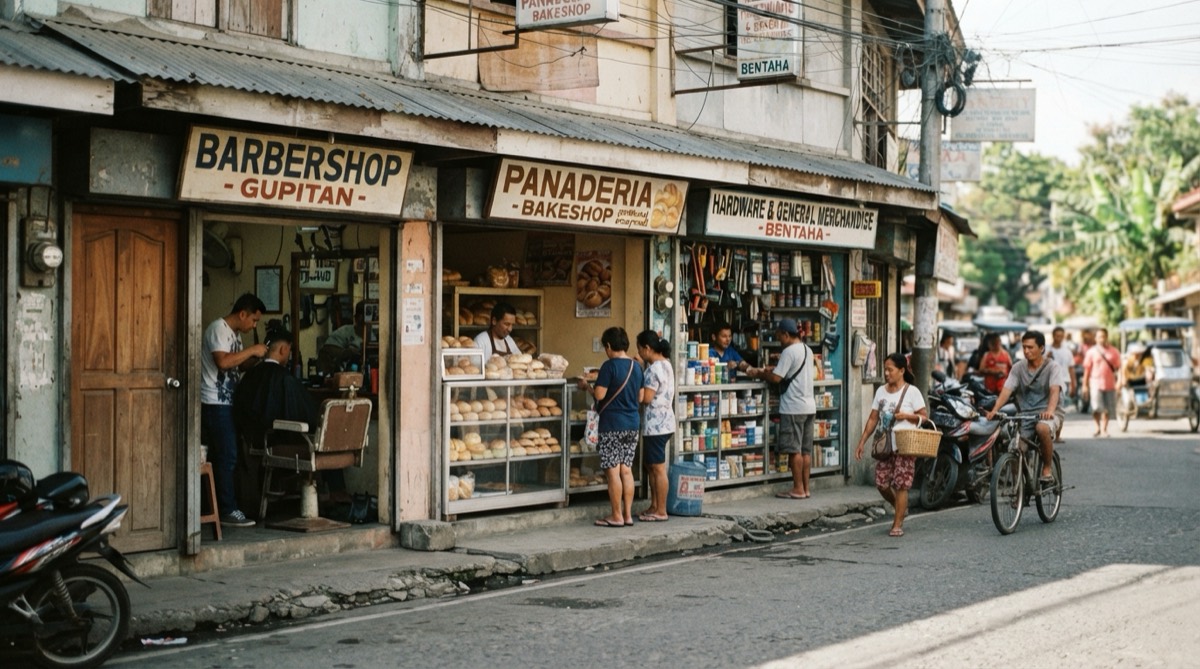
- Barbershop. Primary: Barber shop · Secondary: Hair salon, only if you also cut and colour women's hair.
- Dental clinic. Primary: Dentist · Secondary: Dental clinic.
- Vet clinic. Primary: Veterinarian · Secondary: Animal hospital, if you admit and confine patients; Pet groomer, if grooming is offered.
- Gym. Primary: Gym · Secondary: Fitness center.
- Café. Primary: Cafe or Coffee shop, whichever your neighbours rank with · Secondary: Bakery, if you bake on site.
- Lechon house. Type "lechon" in the category field first and pick a lechon category if Google suggests one. Otherwise, Primary: Filipino restaurant if people eat there, Caterer if it is mostly whole-lechon orders · Secondary: Takeout restaurant, Meal takeaway.
- Water refilling station. Primary: Drinking water supplier · Secondary: Water purification company. There is no refilling station category; pick the primary most local competitors use.
- Laundry shop. Primary: Laundry service for drop-off wash-dry-fold, Laundromat for self-service machines · Secondary: the other one, if you offer both.
- Massage shop. Primary: Massage spa · Secondary: Spa.
- Bakery or panaderya. Primary: Bakery · Secondary: Cafe, only if there is seating and drinks.
- Car wash. Primary: Car wash · Secondary: Auto repair shop, only if you do repairs.
Should the primary category be the broad one or the specific one?
Choose the most specific category that is true. A Filipino restaurant listed as plain "Restaurant" competes in a much bigger, vaguer pool, while "Filipino restaurant" tells Google exactly which searches you belong in. You do not need to add the broad one as well: Google's guidelines say a specific category already includes the more general ones behind the scenes.
The exception is when the specific one is only half true. A café that mostly sells milk tea is better as "Bubble tea store" with "Cafe" underneath than the other way round. The primary should match what most customers come in for, what your signage says, and what your photos show. More on how categories fit with the rest of the profile is in the Google Business Profile optimization guide, and restaurant owners will find category choices for food businesses in the local SEO playbook for restaurants and carinderias.
How do I change categories without getting suspended?
Categories are edited in your Business Profile under Edit profile, then Business category. Google warns that adding or editing a category can mean verifying your business again. Changing the primary one is the bigger change, and the edit most likely to be held for review, especially if other details change at the same time.
- Change one thing at a time. Do not switch the primary category, business name and address in the same week.
- Make the change match reality. The new category should fit your signage, your photos, your website or Facebook page, and your DTI or SEC registration and mayor's permit, in case Google asks for proof.
- Change it once and leave it. Flipping between categories to test rankings can send you back to verification each time.
- Expect some features to change. Moving from a restaurant category to a store category can remove menu and dine-in options.
- Wait before judging. Rankings can move for a few weeks after a category change.
What if the change triggers a review or suspension?
If the edit shows as under review, leave it alone rather than editing again: Google says edits can take up to 30 days to review, though most take minutes. If Google asks you to verify, have storefront photos with signage and your business permit ready. If the profile is suspended, do not create a new one. Follow the steps in how to fix a suspended Google Business Profile and file an appeal with evidence in the Business Profile appeals tool.
How can I see which categories my competitors use?
Search the term your customers would use, such as "vet clinic" plus your city, and open the top three map results. The primary category is shown right under each business name. If all three rank with "Veterinarian" and you are listed as "Pet groomer", that is a strong hint.
Additional categories are not shown on the public profile. Some free browser extensions reveal them, and they are worth a look, but treat what you find as a hint rather than a rule. Copy only the categories that describe your own shop truthfully.
Frequently asked
- How many categories can a Google Business Profile have?
- One primary and up to nine additional, ten in total. You do not need all ten. Most small shops are best served by a primary plus two to four additional categories that each describe a real part of the business. Extra categories that do not fit can make it harder for Google to understand what you are.
- Is there a category for sari-sari stores in Google Maps?
- No. Google does not have a sari-sari store category. Most owners use Convenience store as the primary, with Grocery store as an additional category if the shop carries rice, canned goods and household basics. Write "sari-sari store" in the business description and on your signage photos so customers and Google both see the term.
- Does changing my primary category affect my reviews?
- No. Reviews stay with the profile when you change categories. What can change is which searches you appear for, which features you have, such as menus or bookings, and whether the edit is held for review. That is why the primary category should be changed rarely and only when the new one is clearly more accurate.
- Can I add a category for something I only sell sometimes?
- It is better not to. Seasonal items, like lechon for Christmas or school supplies before June, belong in posts, your menu or your business description rather than in categories. Categories describe what the business is all year. Adding and removing them with the seasons looks like the frequent switching that can put a profile under review.
Let Mapkita do this for you
Mapkita keeps your Google page right, drafts every review reply and asks you before anything goes public. Start with a free check.