Google Business Profile photos that bring customers
Which photos Google actually shows, how many you need, and the shots Philippine restaurants and salons are missing — a practical guide for owners.
Mapkita TeamUpdated Oct 1, 20264 min read
Key takeaways
- You do not fully choose the photo customers see first. Google does, and it may pick a customer's.
- The exterior shot is the most valuable one you can add, and the one many businesses skip.
- Google asks for photos that show the place as it really is, and a phone in daylight does that better than a staged studio shoot.
- Stale photo sets quietly cost you: a profile whose newest photo is two years old looks closed.
You are not the only one uploading
Every photo on your profile comes from one of two places: you, or your customers. Customers usually upload more than owners do, and even the cover photo you pick is not guaranteed to show first: Google may show a customer's photo instead if it judges yours is not the best one.
That means the picture representing your business on Maps may be a badly lit plate someone photographed at 10pm. You cannot delete a customer photo unless it breaks policy, but you can heavily outweigh it. A profile with sixty good owner photos and four bad customer ones looks entirely different from one with four of each.
The shots that matter, in order
Most owners upload plenty of product photos and none of the ones that do the actual work. Customers are trying to answer two questions — will I find it, and will I like it — and the first is usually the one that fails. Restaurants and salons have their own shot lists in the restaurant playbook and the salon and barbershop playbook.
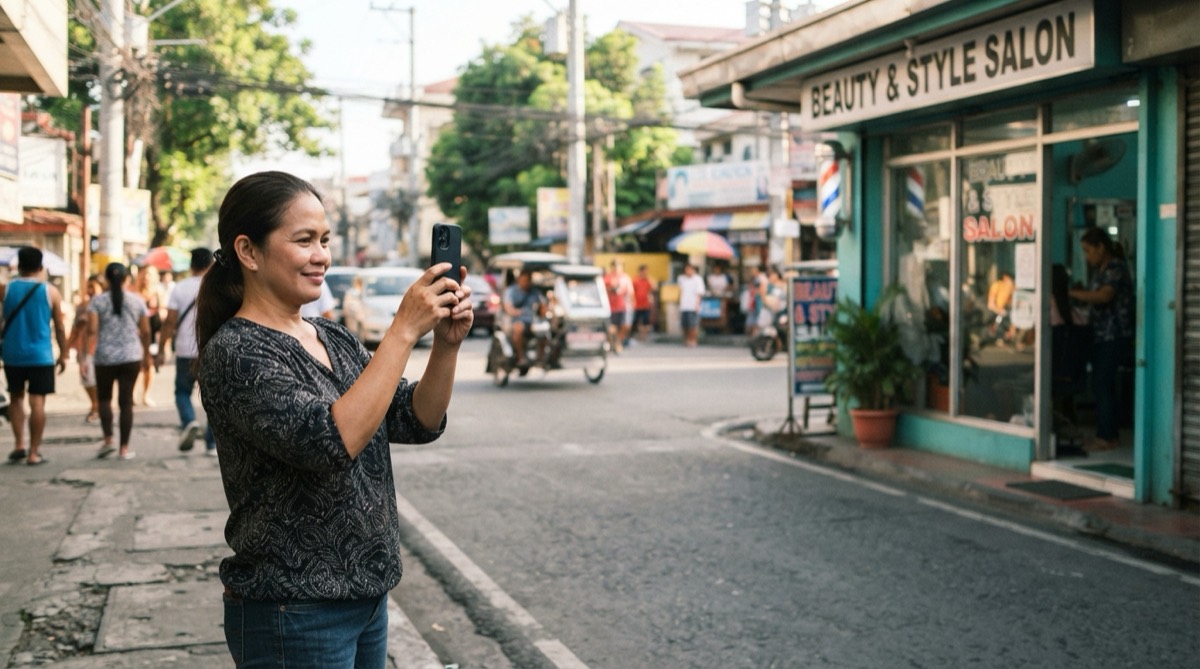
- The storefront, from the street, in daylight, with your signage readable. This is how someone confirms they have arrived. It is the single most useful photo you own.
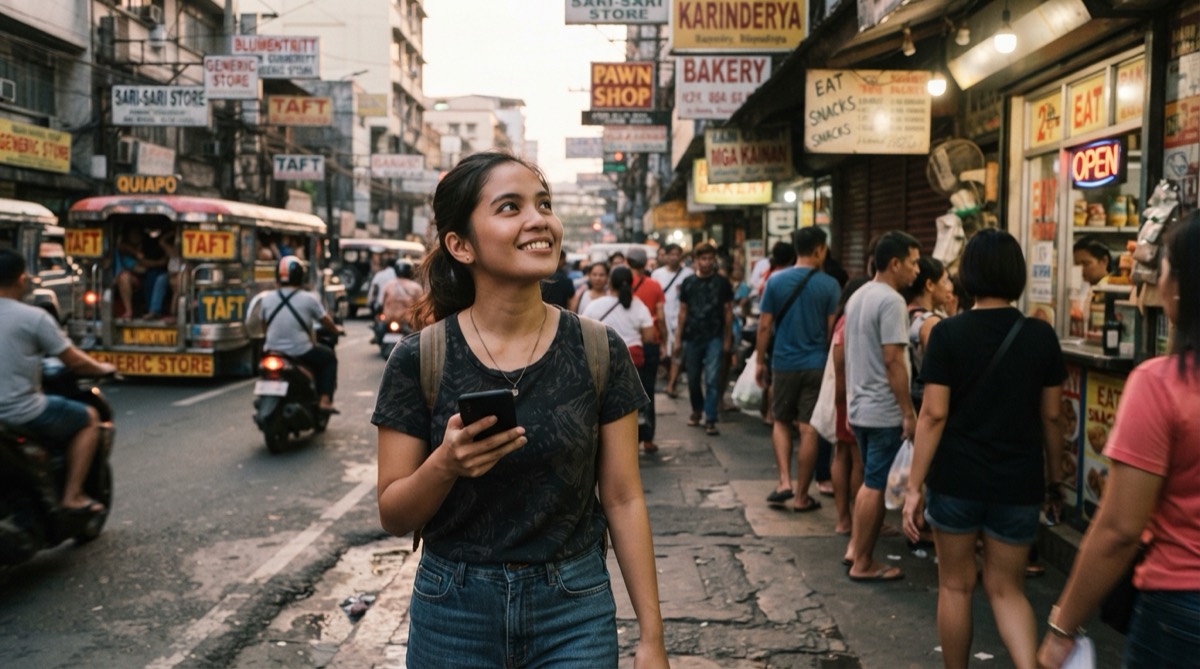
- The approach: what the customer sees walking up, including the nearest landmark. In dense areas like Manila this is the difference between finding you and giving up.
- The interior, wide, lights on. People decide whether a place is for them from this.
- Your five best-selling items, individually, lit by a window rather than a flash.
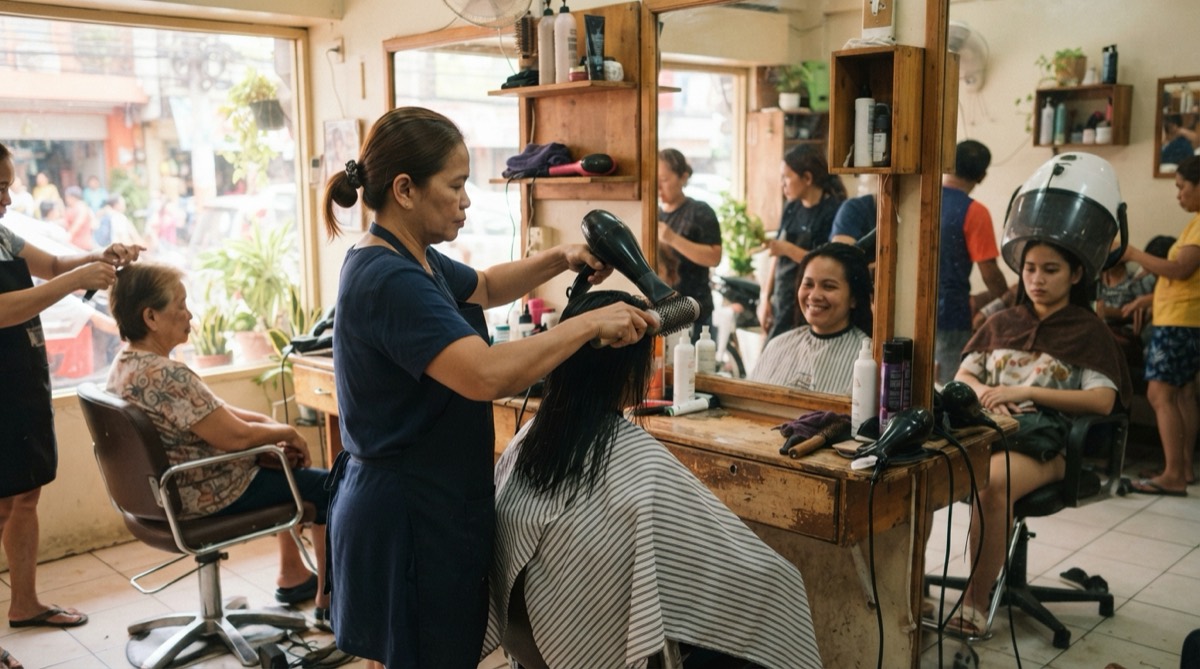
- Staff at work, faces visible, with their permission. It reads as a real business with real people.
- Parking, the entrance from the lobby, or how to get in if you are on an upper floor. Unglamorous and disproportionately useful.
Quality, honestly
A modern phone in good light is enough. Photographs that look like the place serve a local business better than polished commercial photography that looks like an advertisement, because the customer is trying to predict a real experience. Before you upload, run each photo through the free Google Business Profile photos check.
Shoot near a window or outside in the morning. Avoid the direct flash, which flattens food and makes interiors look institutional. Hold the phone level and leave space around the subject.
One thing worth being strict about: do not upload photos with text, logos or price stickers pasted over them. Google's tips for posting photos to Maps say to avoid added text and borders, and low-quality media may be removed. They also read as advertising in a place where people expect evidence.
Keep adding, forever
Photo freshness is a visible signal. A customer scrolling your profile sees the newest photos first and can tell when the last one was added. It is one of the signals covered in the Google Business Profile optimization guide.
A sustainable habit beats a one-off session: three or four photos a month, taken during a normal week, keeps the profile alive. Put it on someone's shift checklist rather than leaving it to whoever remembers.
Seasonal moments are the easy wins: a Christmas menu, a Holy Week schedule, a new haircut style, a renovated corner. They give you something to photograph and they are what people search for at that moment.
Frequently asked
- How many photos should my Google Business Profile have?
- There is no magic number, but under ten is thin for any consumer-facing business and looks abandoned. Thirty or more, added over time rather than all at once, is a reasonable target for a restaurant or salon.
- Can I delete a bad customer photo?
- Only by reporting it to Google for review, and only if it breaks Google's policies: irrelevant, offensive, or not actually of your business. A genuine but unflattering photo will usually stay, so the practical answer is to add enough good ones to outweigh it.
- Does adding photos help my Google Maps ranking?
- Google treats profile completeness and activity as positive signals, and photos are part of that. The larger and more measurable effect is on whether someone who sees your listing chooses you over the one next to it.
- What size should the photos be?
- Anything a recent phone produces is fine. Google recommends 720 by 720 pixels, in JPG or PNG, between 10 KB and 5 MB; the photos straight from your camera roll already exceed that resolution comfortably, though a very large file may need shrinking first.
Let Mapkita do this for you
Mapkita keeps your Google page right, drafts every review reply and asks you before anything goes public. Start with a free check.