Google Business Profile posts examples: 10 to copy
Ten Google Business Profile post examples for Philippine shops, written out in full: payday promos, Holy Week hours, typhoon updates, GCash and new branches.
Mapkita Team7 min read
Key takeaways
- There are three post types: updates, offers and events. Offers and events come down on their end date.
- Keep the words in the post and the photo clean. Text baked into the image gets cropped and is hard to read.
- Leave phone numbers out of the text. Use the Call button instead, or the post may be rejected.
- One short post a week is a better habit than ten posts once and then silence.
What are Google Business Profile posts?
Posts are short announcements you publish on your own Google page: a promo, the day's menu, holiday hours, a new service. This guide explains the three types, where they appear, and then gives ten Google Business Profile posts examples written for Philippine businesses, each with the actual text and the button to add. Copy them, change the details, publish.
You add a post from your Business Profile on Google Search or in the Maps app. The options are labelled Add update, Add offer and Add event.
- Update. A general announcement with text, a photo and an optional button such as Learn more, Order online, Book or Call now. Use it for news, menus and hours.
- Offer. A promo with a title, start and end dates, and optional coupon code, link and terms. Google shows it with a View offer button.
- Event. A title, start and end dates and times, a description and an optional button. Use it for anything that happens on a date.
Where do posts show, and how long do they stay up?
Posts appear in the Updates section of your profile on Google Search and in the Updates tab on Google Maps. The most recent ones are the most visible; older posts are still there but a customer has to scroll to find them.
Offers and events are taken down after their end date, so set the end date honestly. Updates have no end date and stay on the profile, although Google may archive very old ones. That is exactly why a post from last Christmas still sitting on top in March looks bad: it tells the customer nobody is minding the page.
Posts will not lift your ranking on their own. What they do is show that the business is open and active, and answer the question a customer had before they call. They sit alongside everything in the Google Business Profile optimization guide, not in place of it.
What should I post? Five examples for promos, menus and holidays
Replace anything in [BRACKETS] with your own details. Keep each post short: the first line or two is what shows before "more".
1. Payday promo (Offer, dates 15th to 17th). Title: "Payday treat: 15% off all milk teas". Details: "Sweldo na. Show this post at the counter from the 15th to the 17th and get 15% off any milk tea, any size. Dine-in and takeout at our [BRANCH] branch." Add terms such as "Not valid with other promos." Button: View offer. Repeat it for the 30th.
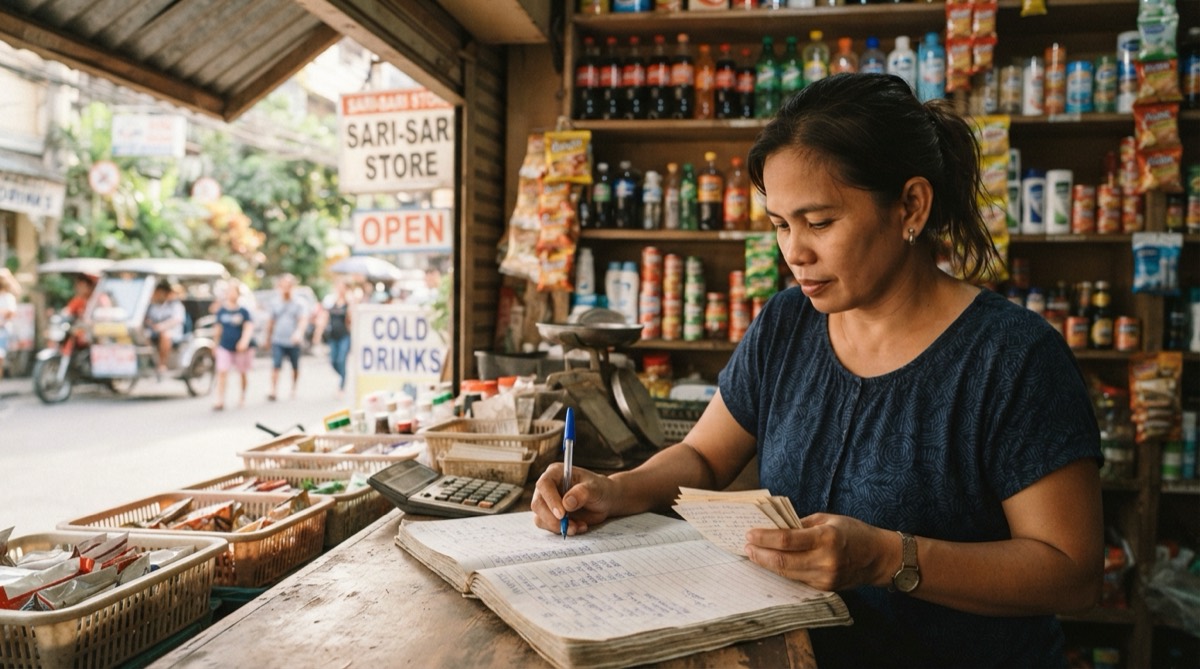
2. Menu of the day at a carinderia (Update). "Ulam ngayong [DAY]: sinigang na baboy, chicken adobo, ginisang monggo and pinakbet. Rice-all-you-can with any two viands, ₱[PRICE]. Luto na by 10:30am, habang may stock." Photo: the actual trays on the counter that morning. Button: Order online if you take orders, otherwise none.
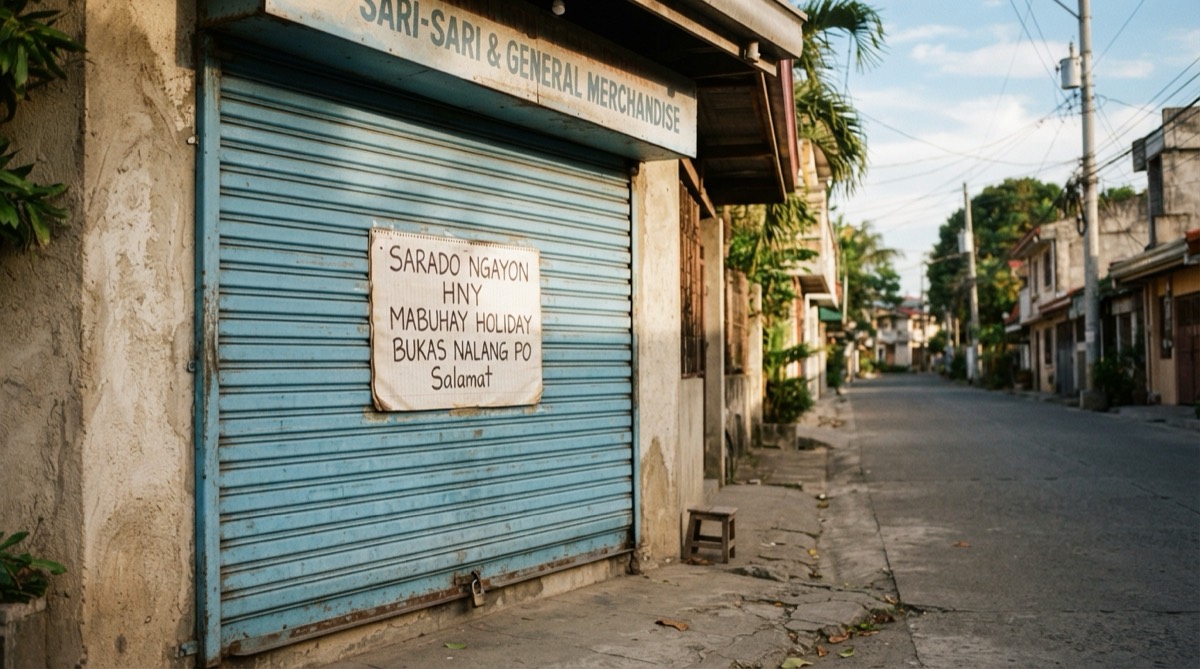
3. Holy Week hours (Update, posted the week before). "Our Semana Santa schedule: Maundy Thursday open until 2pm, Good Friday closed, Black Saturday 10am to 6pm, back to regular hours on Easter Sunday. Salamat and ingat sa biyahe." Button: none. A post alone is not enough; set the same dates as special hours too, as explained in setting holiday hours on Google.
4. Christmas and Simbang Gabi hours (Update). "Simbang Gabi season: from December 16 to 24 we open at 4:30am for coffee and pandesal after the dawn Mass. Closed December 25 and January 1." Photo: the storefront with the lights on at dawn. Button: Learn more, linking to your full holiday schedule if you have one.
5. Back to school (Offer, June or August). Title: "Back-to-school printing: 10% off with a student ID". Details: "School supplies, printing, lamination and ID photos. Show a valid school ID from [DATE] to [DATE]." Button: View offer.
Five more examples: services, weather, events and news
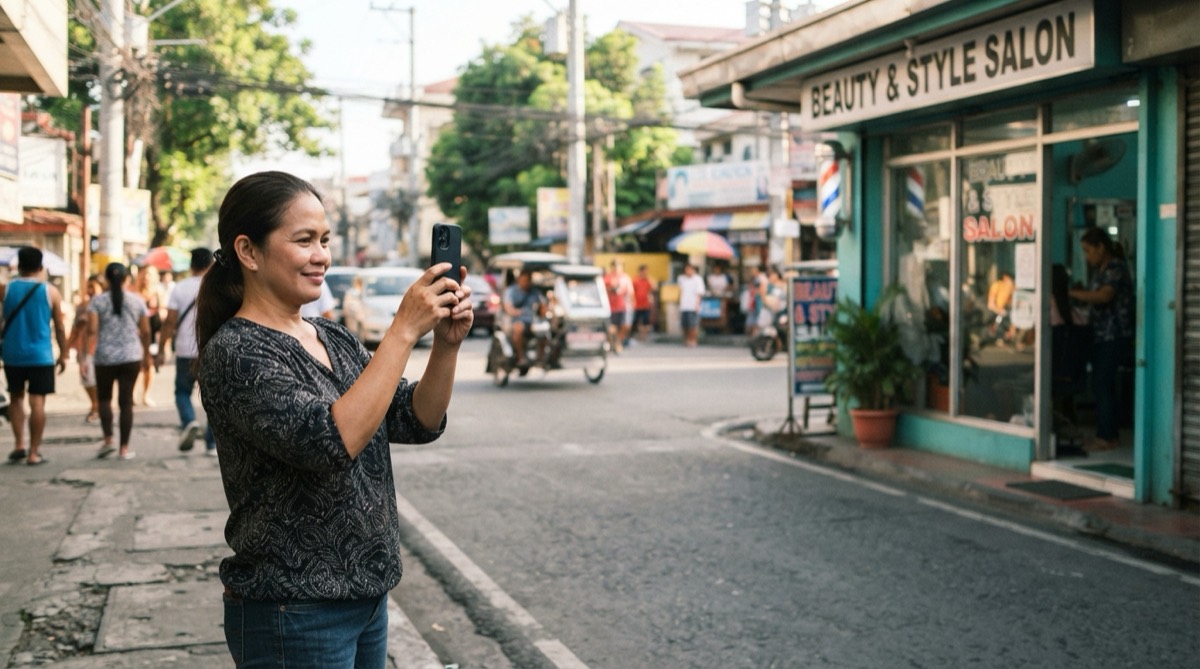
6. New service at a salon (Update). "Now offering keratin treatment, from ₱[PRICE] depending on hair length. Takes about three hours, so book ahead para sure ang slot mo." Photo: a real before-and-after, with the customer's permission. Button: Book.
7. Rainy-day or typhoon update (Update, posted the same morning). "Because of Signal No. [X], we are closed today, [DATE]. We will post here once we reopen. Stay safe, everyone." Button: none. Set the day as closed in special hours as well, and post again when you reopen.
8. Event: live acoustic night (Event). Title: "Acoustic Friday". Start and end: [DATE], 7pm to 10pm. Description: "Live acoustic sets every Friday night. No cover charge, and walk-ins are welcome, but reserve for groups of six or more." Button: Book or Learn more.
9. GCash and QR payments now accepted (Update). "You can now pay with GCash, Maya or any QR Ph app at the counter. Cash and cards still welcome." Photo: the QR standee at your counter, blurred if it shows account details. Button: none. Add the payment options in your profile's attributes too.
10. New branch opening (Update, or Event for opening day). "Our second branch is open at [MALL], [FLOOR], beside [LANDMARK]. Same menu, same prices. Open daily 10am to 9pm." Button: Learn more. A new branch needs its own profile, so publish the post on that profile once it is verified, not only on the old one.
Notice what these share: a date or a reason, one concrete detail, and nothing a customer has to decode. If writing them every week is the part you never get to, Mapkita prepares Google posts like these for your approval, and nothing publishes until you press Publish.
What size should the post image be?
Use JPG or PNG. Google recommends at least 720 × 720 pixels, and a 4:3 landscape photo generally displays well in the post card. Any recent phone photo in good light is large enough; the problems are usually darkness, blur and awkward cropping.
Keep text off the image. Google crops post photos differently on Search, Maps and phones, so words near the edges get cut, and small text is unreadable on a phone. Put the promo, price and dates in the post text, where Google can read them too, and let the photo show the actual food, room or result. Before uploading, run it through the free photo readiness check, and see Google Business Profile photos that bring customers for which shots to take.
How often should I post on Google?
Weekly is a good habit. It is frequent enough that the newest post is always recent, and light enough that a busy owner will keep doing it. The Philippine calendar gives you plenty to say: payday twice a month, Holy Week, the rainy season, enrolment, the long Christmas season and your city's fiesta.
Posting several times a day does not help. Two thoughtful posts a month beat twenty copies of the same flyer.
Why was my Google post rejected?
Google reviews posts before they appear, usually quickly, and some are rejected without much explanation. The common causes are avoidable.
- A phone number in the text. Google rejects some posts for this. Use the Call now button instead.
- Links that go somewhere unrelated, broken or suspicious, including shortened links.
- Content Google restricts, such as promotions for alcohol, tobacco, gambling or prescription drugs, and anything offensive or misleading.
- Off-topic posts that are not about your business, or the same text posted again and again.
- An image that is mostly text, blurry, or someone else's stock photo.
Frequently asked
- Do Google Business Profile posts expire?
- Offers and events are removed after the end date you set. Updates stay on your profile without an end date, but newer posts push them down and Google may archive very old ones. Because customers mostly see your latest post, one that is months old makes the whole profile look unattended, even if everything else is correct.
- Can I write Google posts in Tagalog or Taglish?
- Yes. Google has no rule against it, and posts written the way your customers talk often read more naturally than stiff English. Keep the important details, such as prices, dates and hours, clear enough that a visitor or a tourist can still understand them at a glance.
- Can I schedule Google Business Profile posts?
- Google's own profile tools generally publish a post as soon as you submit it, with no built-in scheduler. Offers and events do have start and end dates, which controls when they are relevant, but the post itself goes up straight away. Third-party tools connected to your profile can publish at a set time.
- Do posts help my business rank higher on Google Maps?
- Not directly in any way Google has confirmed. Posts show customers that you are open and active and answer questions before they call. Ranking depends much more on your category, distance from the searcher, reviews and a complete, verified profile. Treat posts as a way to convert visitors, not a ranking trick.
Let Mapkita do this for you
Mapkita keeps your Google page right, drafts every review reply and asks you before anything goes public. Start with a free check.