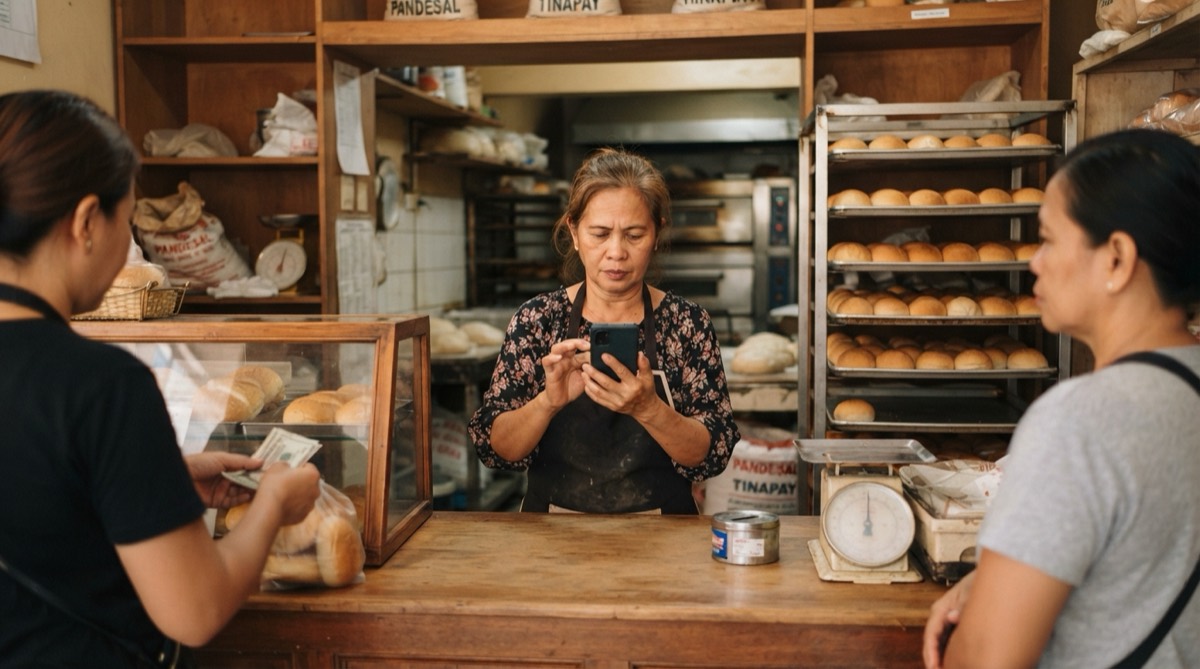
Free business directory listings in the Philippines
The business directory listings in the Philippines worth your time: free ones on Google, Facebook, Waze, Apple and Bing, the apps, and a copy-paste template.
Mapkita Team8 min read

Key takeaways
- The business directories that bring customers are the maps and apps people already use. Google, Facebook, Waze, Apple Maps and Bing are free; the delivery, shopping and booking apps charge a commission on sales.
- Write your name, address, phone and hours once in your phone's notes and paste them everywhere, so every listing matches your sign.
- Apple Business Connect became Apple Business in April 2026, and Apple lists its location tools as available in the Philippines.
- Don't pay for directory listings you can't see customers using. Google lists low-quality directory links as spam and says you can't pay for a better local ranking.
Which business directory in the Philippines is worth your time?
The business directory listings that matter in the Philippines are the maps and apps your customers already open. That means Google Maps, Facebook, Waze, Apple Maps, Bing, and the delivery, shopping or booking app for your kind of business. Google, Facebook, Waze, Apple Maps and Bing are free. The delivery, shopping and booking apps charge a commission on sales; check the current terms on their merchant pages.
Websites that call themselves a business directory for the Philippines are a different thing. Before you spend time on one, ask whether any of your customers has ever used it; the test near the end of this guide helps. List on the places below first, in this order. The free ones take an afternoon, not money.
- Google Business Profile: your listing on Google Search and Maps. Do this first.
- A Facebook Page with your address and map pin.
- The app your customers order or book on: GrabFood or foodpanda for food, Shopee or Lazada for products, Agoda or Booking.com for rooms.
- Waze, if people drive to you.
- Apple Maps, through Apple Business.
- Bing Places.
Before you list anywhere: write your details once
Every listing asks for the same details, and it's easy to type them a little differently each time. Google's Business Profile guidelines ask that your name reflect your real-world name, "as used consistently on your storefront, website, stationery, and as known to customers". When your name, address and phone (often called NAP) match on every listing, customers also know the two listings they found are the same shop.
Copy this template into your phone's notes, fill it in once, and paste from it every time a form asks.
- Business name: [exactly as on your sign, with no extra keywords]
- Address: [unit or stall no.], [building or market], [street], Brgy. [barangay], [city or municipality], [province] [ZIP code]
- Landmark: [for example, tapat ng barangay hall, or beside the jeepney terminal]
- Phone: +63 9XX XXX XXXX [one number you answer, written the same way everywhere]
- Hours: Mon to Sat 6:00 AM to 8:00 PM, Sun closed [plus holiday hours when they change]
- Main category: [one type, for example Filipino restaurant, Bubble tea store, Hair salon]
- Description: [one or two lines on what you sell, for whom, and where]
- Payments: Cash, GCash, Maya, QR Ph [only the ones you accept]
- Links: [Facebook Page, Google profile, Instagram, delivery app page]
- Photos: [storefront from the street, inside, your three best products, your logo]
Google Business Profile, and how to add a location on your Facebook Page
Google Business Profile is the listing that matters most, because it's what shows when someone searches for your name, or for something like "carinderia near me", on Google Search and Maps. It's free, and Google says it will never ask for payment over the phone or guarantee a special spot (Google's warning about scam calls). The full setup is in how to add your business to Google Maps, and the Google Business Profile categories list helps you pick a category.
On Facebook, the address on your Page is what lets people find you on the map and check in. Facebook's help page gives these steps. How the two platforms work together is in Facebook Page vs Google Business Profile.
- Go to your Page and click About.
- Choose Contact and basic info.
- Under Contact info, click Add your address and type it in from your template.
- Drag the red pin onto your exact door. Facebook says you must move the pin for this step to work.
- Click Save. Check-ins and location tags can take a few days to switch on.
- While you're there, add the same phone, hours and website as on Google.
How to add your business to Waze
Waze matters if people drive to you: a resort, a restaurant on the highway, a car wash, a hardware store. Anyone can suggest a place from the Waze app, and Waze's volunteer map editors review it. Waze's help page gives these steps.
- Stand outside your shop, on your phone, not in the car: Waze says this feature doesn't work on Android Auto or CarPlay.
- Open Waze, tap the Report icon, swipe up to open the full menu, and tap Place.
- Tap the camera icon and take a clear photo of the storefront. Waze asks for a photo that isn't blurry or overexposed.
- Enter the name exactly as in your template and add a category.
- Enter the house number and tap Done.
- Wait for the email. Waze's editors approve or reject the place and send you their decision.
Apple Business Connect is now Apple Business, plus Bing Places
If you're looking for Apple Business Connect, Apple replaced it on 14 April 2026 with Apple Business, a free service that includes the old Business Connect tools. It controls your place card on Apple Maps, the card iPhone users see when they look you up. Apple's feature list shows brand and location management as available in the Philippines.
Sign in at business.apple.com, open Brands, then Locations, and add your location: name, address and pin, category, phone, website and hours. The first time, Apple verifies your organization. If your shop is already on Apple Maps and managed by someone else, Apple's guide has you add it anyway and request a transfer, which can take up to five business days.
Bing Places for Business puts you on Bing search and Bing Maps. You sign in with a Microsoft account and can import your details from your Google Business Profile instead of typing them again. Fewer of your customers use Bing, but with the import it takes a few minutes.
Food, products, rooms: the apps that are directories too
For some businesses the real directory is an app. A hungry customer opens GrabFood or foodpanda, a shopper searches Shopee, a traveller scrolls Agoda. Each has its own sign-up and its own list of documents, so read their page before you start. Check the current commission in the merchant contract or dashboard, because rates change.
- Food: GrabFood merchant sign-up and foodpanda partner sign-up. Ratings work differently on each: see GrabFood merchant ratings and foodpanda merchant ratings.
- Products: Shopee Seller Centre and Lazada Seller Center. Ratings there are covered in Shopee seller rating and Lazada reviews.
- Rooms, resorts and homestays: Agoda's Partner Hub, whose YCS extranet was renamed the Agoda Partner Portal in August 2026, and Booking.com for partners. The review side is in Agoda YCS reviews.
- Use the same name, address and photos from your template on every app.
Paid directories and listing spam: what to skip
Free business listing sites for the Philippines are everywhere, and so are offers to put you on "hundreds of directories" for a fee. Ask what you'd actually get: who in your city opens that site, and how they'd find you on it. If the seller can't answer, don't pay. Google's spam policies name low-quality directory links as link spam, so they won't lift you in search either. Google also says there's no way to request or pay for a better local ranking.
Before you pay for any listing, run this test.
- Search your type of business and your city on Google. If the directory doesn't show on the first page, customers probably aren't finding shops through it.
- Open a few listings on it. Are they current, or full of shops that closed years ago?
- Ask ten regular customers if they've ever used it.
- Hang up on anyone who calls saying your Google listing will be removed, or ranked higher, if you pay. Google doesn't sell spots.
What about Philippine directory websites?
Run the test above on the kinds of directory sites you'll come across in the Philippines. Here's how they usually come out for a shop with walk-in customers.
- Nationwide company directories, listing thousands of businesses by city or industry: search your type of business and your city. If the site isn't on Google's first page, your customers won't meet you there. A free listing does no harm; don't pay for an upgrade.
- B2B and supplier directories for manufacturers, wholesalers and exporters: useful only if you sell to other businesses, such as a bakery that supplies cafés. A shop that sells to walk-in customers can skip them.
- Packages promising listings on 40 or 100 "Philippines business listing sites": these are built for links, not for customers, and Google's spam policies count low-quality directory links as link spam. Skip them.
- Classified and "post your business free" sites: open a few listings first. If they're old, duplicated or never answered, your post will sit there unread.
- Lists run by your city or town, its tourism office, your mall or a nearby school: usually worth a free listing, because the people who open them are nearby and looking.
Frequently asked
- Is there a free business directory in the Philippines?
- Yes. The listings customers actually use are free: Google Business Profile, a Facebook Page, Waze, Apple Business for Apple Maps, and Bing Places. Food, product and lodging businesses should also be on the app their customers use, which charges a commission on sales.
- How do I add my business to Waze?
- In the Waze app, tap Report, swipe up and tap Place. Take a photo of the storefront, enter the name, category and house number, and tap Done. Waze's volunteer map editors review it and email you their decision.
- Is Apple Business Connect available in the Philippines?
- Apple replaced Business Connect with Apple Business in April 2026. Apple lists brand and location management as available in the Philippines, so you can manage your Apple Maps place card for free at business.apple.com.
- How do I add a location on my Facebook Page?
- Go to your Page, click About, then Contact and basic info, and click Add your address. Type the address, drag the red pin onto your exact door, and save. Check-ins can take a few days to start working.
- Should I pay to be listed in a business directory?
- Only if you can see customers using it. Ask the seller who opens the site and how they'd find you; Google treats low-quality directory links as spam, and Google says you can't pay for a better local ranking.
Let Mapkita do this for you
Mapkita keeps your Google page right, drafts every review reply and asks you before anything goes public. Start with a free check.